



 25
25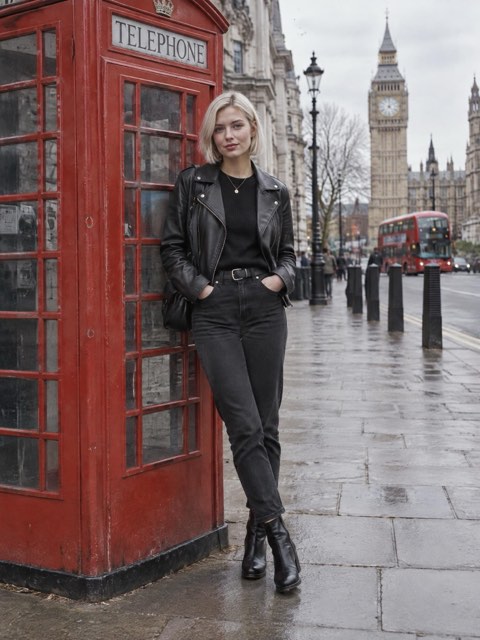
Studio.
Put your photo next to a pose from your camera roll, an Instagram or Pinterest link, or Reposed's own poses. Pick the quality and tap Generate.
Reposed is an iPhone app that uses AI to change your pose in any photo. Pick a photo of yourself and a pose you like, and it keeps your face, outfit, and light the same.
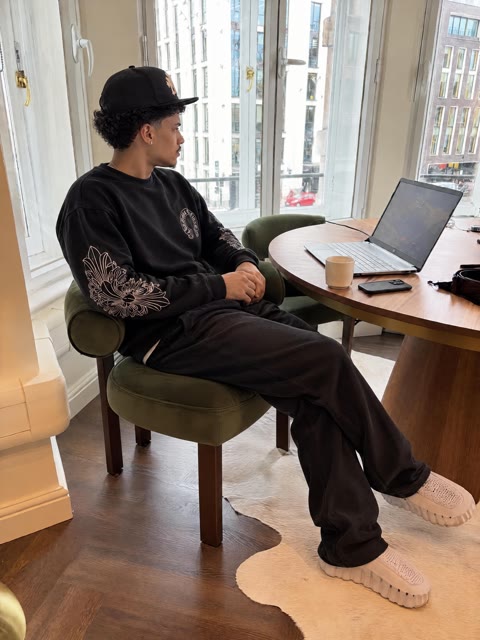
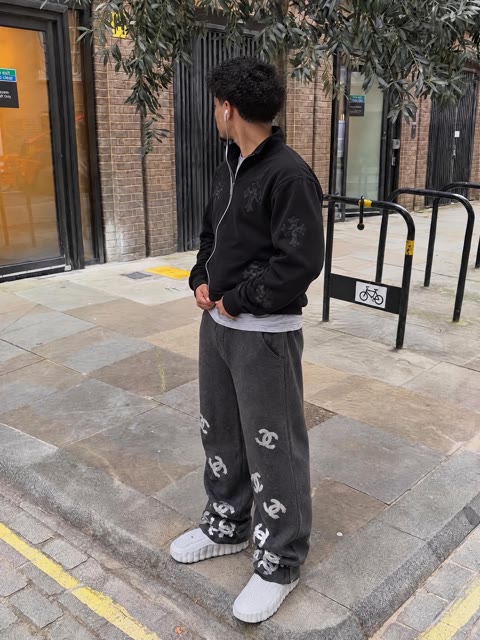
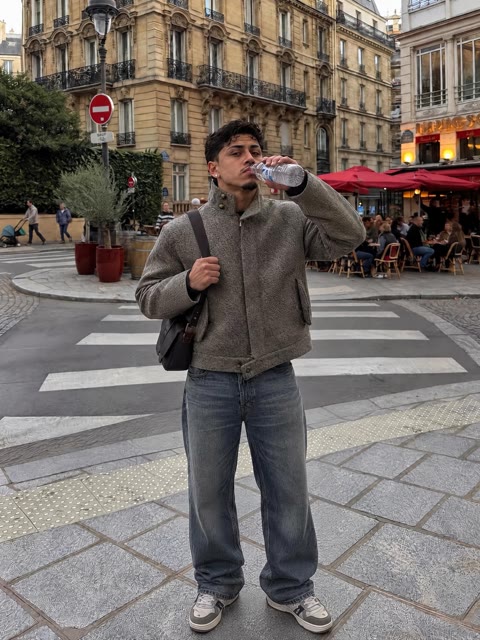
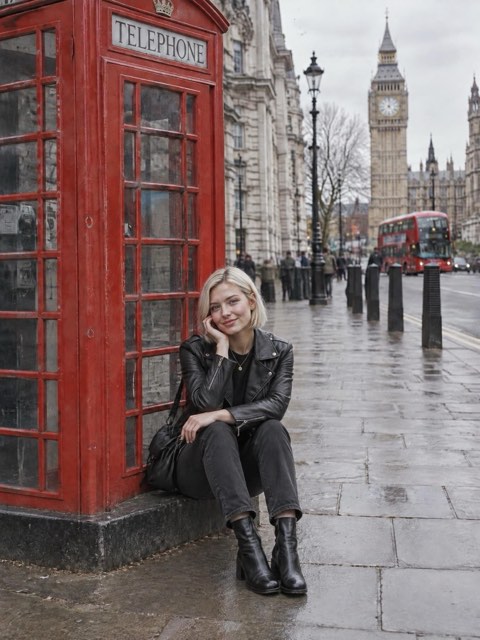
Drag the line to compare. The person, the clothes, and the place stay the same. Only the pose changes.


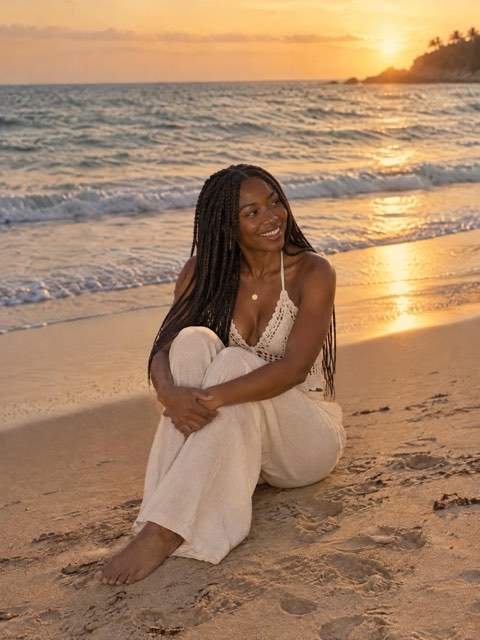
Every after photo was made with Reposed. The Paris and Seaside people are AI-made.
Copy the link to any Instagram post or Pinterest pin and paste it into Reposed. It puts you in that pose. You can also share a pin straight from the Pinterest app.
On Instagram or Pinterest, copy the link to the post.
Reposed picks up the photo from the post as your pose.
You, in the pose from the post, with your own face, outfit, and place.
How it works
Reposed has three pages. Swipe between them in the app, and each one ends with Generate.
Put your photo next to a pose from your camera roll, an Instagram or Pinterest link, or Reposed's own poses. Pick the quality and tap Generate.
Paste a link to any Pinterest board and browse its pins right in the app. Tap a pin to make it your pose.
Add up to four photos and write what you want in your own words. Tag a photo with @, and Improve adds detail for you.
Features
Reposed keeps your face, hair, outfit, and background, and changes only how you're standing or sitting.
Choose the quality for each photo, sharp enough to post or print.
Make up to four versions of the same pose, then keep your favorite.
Your photo keeps going in the background, and Reposed lets you know when it's ready.
Copy a pose from wherever you found it.
We don't train AI on your photos, and deleting your account deletes them. Read the privacy policy.
A photo that fails gives its coins back. Thumbs down one you don't like, and we'll review it.
Coins
Packs here cost the same as in the app but come with 20% more coins, since there's no App Store fee. Sign in with your Reposed account, and they show up in the app right away.
A photo costs 25 coins at 720p, 50 at 1080p, or 100 at 4K. Reposed Pro members pay 20% less.
Prices are in US dollars, and Stripe handles payments. We add the coins as soon as you pay, so by buying you agree to the Terms and that you can't cancel a purchase once its coins are added.
Reposed is an iPhone app that changes your pose in a photo. Pick a photo of yourself and a pose you like, and Reposed's AI redraws you in that pose. Your face, outfit, and the place stay the same.
Use any photo from your camera roll, paste a link to an Instagram post or a Pinterest pin, share a pin to Reposed from the Pinterest app, or pick one of Reposed's own poses.
A clear, well-lit photo where your whole body is in the frame. The pose photo works best when it shows a similar amount of the body.
Usually under a minute. You can close the app while it works, and Reposed sends a notification when your photo is ready.
Choose 720p, 1080p, or 4K for each photo, and make up to four versions at once to pick your favorite.
Your photos go to the AI companies that make your new photo, and the results are saved to your account. We don't train AI on your photos, and deleting your account deletes them. The privacy policy has the details.
Each photo costs coins: 25 for 720p, 50 for 1080p, or 100 for 4K. Reposed Pro members pay 20% less. You can buy coins in the app, or here on reposed.app, where every pack comes with 20% more coins.
If a photo fails, its coins come back automatically. If you don't like a result, give it a thumbs down in the app and we'll review it for a refund in coins. See Help for more.